
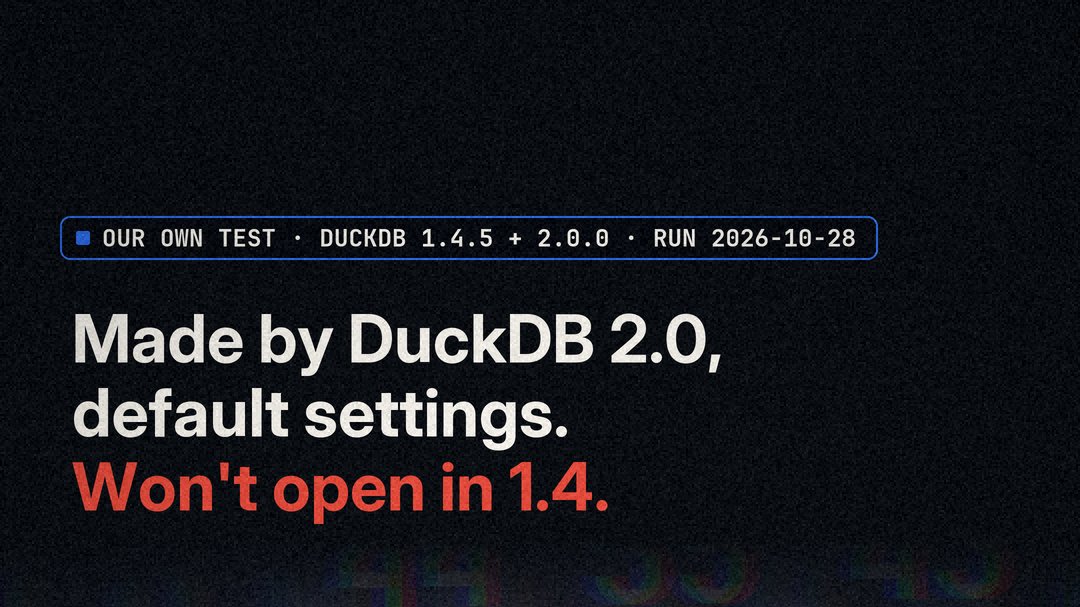
By default, a new file from DuckDB 2.0 won’t open in DuckDB 1.4. One option fixes it for new files. Anything still pinned to 1.4, a CI image, a teammate’s laptop, a scheduled notebook, can’t read a new file that a 2.0 job creates with default settings.
We ran the test ourselves on Oct 28, 2026: Windows 11, the Python duckdb wheels via uv, a synthetic 1,000,000-row table, 3 runs in fresh folders, DuckDB 1.4.5 and 2.0.0.
The 33-second reel: a new DuckDB 2.0 file won’t open in 1.4.
The test
Three findings, all from our own runs.
First, the old format still works. 1.4.5 made a file, 2.0.0 added 1,000 rows, and 1.4.5 still opened it at 1,001,000 rows. DuckDB reads its format as v1.0.0+ before and after.
Second, the new default does not. 2.0.0 made a new file with default settings, and 1.4.5 refused it every time: “Trying to read a database file with version number 999, but we can only read versions between 64 and 67.”
Third, the fix works when it is applied at creation. 2.0.0 made new files in the 1.4 format, three ways, and 1.4.5 opened every one.
The fix
The fix comes from DuckDB’s 2.0 storage docs. It applies when a file is created, and there are three forms:
ATTACH 'v14.duckdb' (STORAGE_VERSION 'v1.4.0');SET storage_compatibility_version = 'v1.4.0'; -- then ATTACH the new fileduckdb.connect('v14.duckdb', config={'storage_compatibility_version': 'v1.4.0'})Order matters. In our test, SET after connect('file') came too late: the file was created in the 2.0 format, and 1.4.5 refused it. Set the version before the file is created, not after.
The trap
None of the three forms converts a file 2.0 already made, and two of them fail silently. Aimed at an existing 2.0 file, ATTACH with STORAGE_VERSION 'v1.4.0' errors: “The storage version of an existing database cannot be lowered.” SET and config= open the file with no error. It stays in the 2.0 format, and 1.4.5 still refuses it.
The docs describe copying it with COPY FROM DATABASE into a file attached with an older STORAGE_VERSION. We did not test that.
DuckDB’s release post says versions before 2.0 cannot read files created by 2.0 and recommends testing 2.0.0 on a shadow system first. Version 1.4 is supported until November 17, 2026.
Reproduce it
In an empty folder, with uv fetching the two DuckDB versions. The data is synthetic.
uv run --with duckdb==2.0.0 python -c "import duckdb; duckdb.connect('new.duckdb').execute('CREATE TABLE t AS SELECT range AS id FROM range(1000000)')"
uv run --with duckdb==1.4.5 python -c "import duckdb; duckdb.connect('new.duckdb')"
The second command fails with the version 999 error. The fix works only on a new file:
uv run --with duckdb==2.0.0 python -c "import duckdb; duckdb.connect('v14.duckdb', config={'storage_compatibility_version': 'v1.4.0'}).execute('CREATE TABLE t AS SELECT range AS id FROM range(1000000)')"
uv run --with duckdb==1.4.5 python -c "import duckdb; print(duckdb.connect('v14.duckdb').execute('SELECT count(*) FROM t').fetchone())"
That returns (1000000,).
What we did not verify
This was our own test on synthetic data, run Oct 28, 2026, on Windows 11 with the Python duckdb wheels via uv, 3 runs in fresh folders, DuckDB 1.4.5 and 2.0.0. We tested 1.4.5 only, not other 1.x versions. It is a small test, not a benchmark. The COPY FROM DATABASE recovery path in the docs was not tested. The script was written with an AI model made by Anthropic, and the voiceover in the reel is AI-generated. Watch the reel on Threads or YouTube.
This post started as an Instagram post →
- https://www.instagram.com/reel/DfD4EbCD7kT/
- https://www.threads.com/@dataeng.ai/post/DfD4Mpxj_Hg
- https://www.youtube.com/shorts/UtER0X_JwmY
- https://duckdb.org/2026/10/21/announcing-duckdb-200
- https://duckdb.org/docs/2.0/internals/storage
Numbers above trace to these sources. If one moved, tell us and we fix it.
Talk it through
Argue with us on Instagram.